
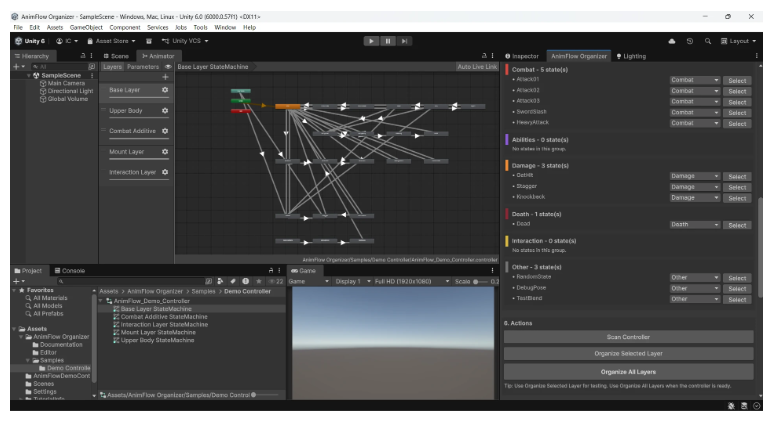
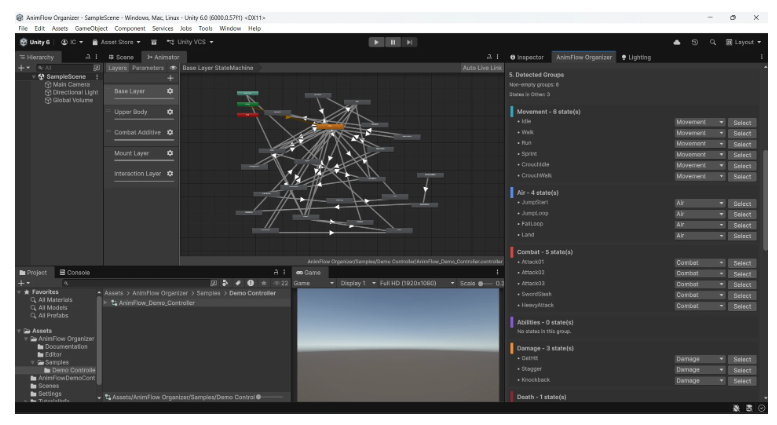
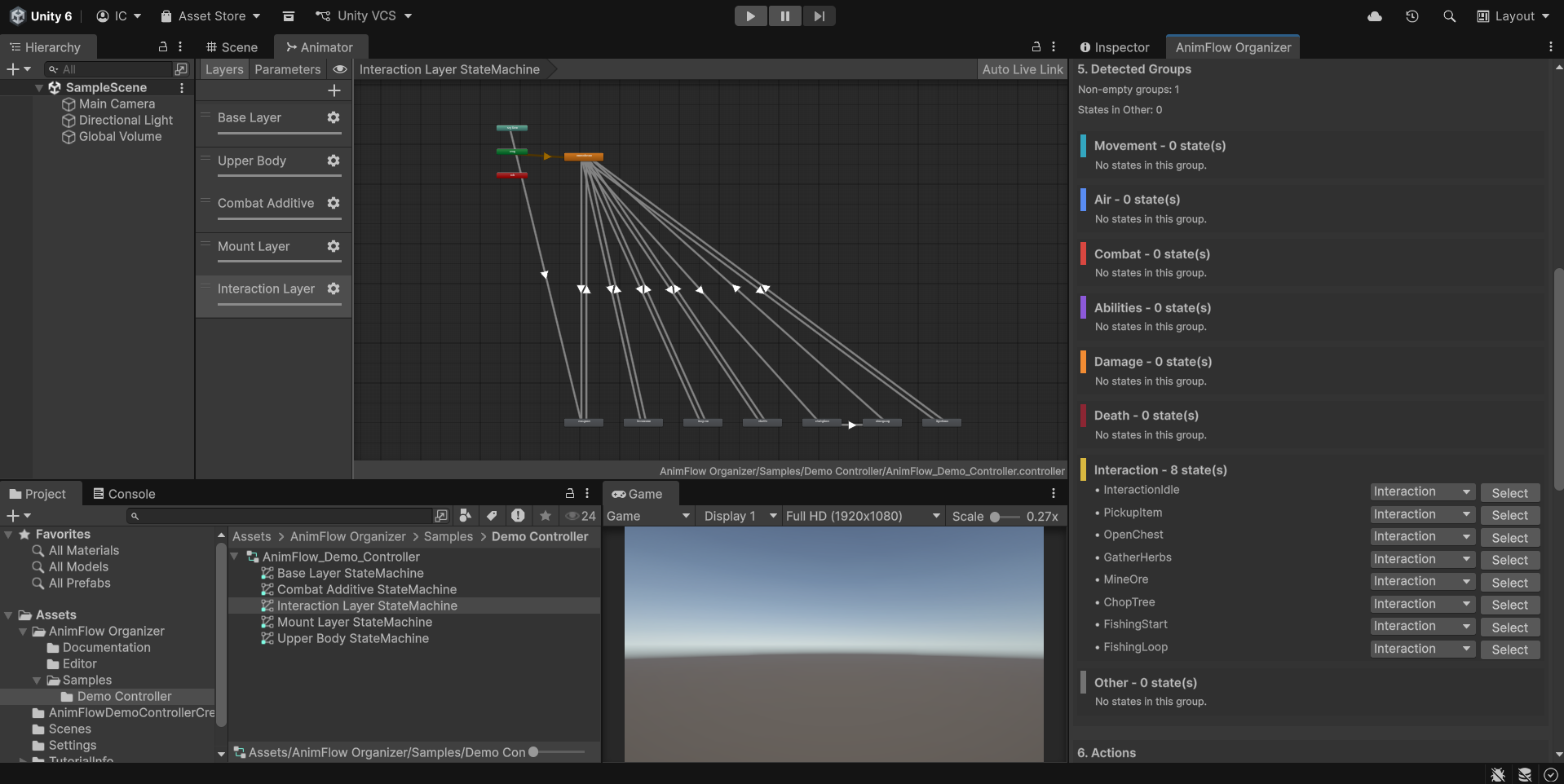
Four ways to organize.
SmartLayout, FlowLayout, LaneLayout and GridLayout let you choose the structure that fits your controller.
A TOOL BY ETHERA STUDIO
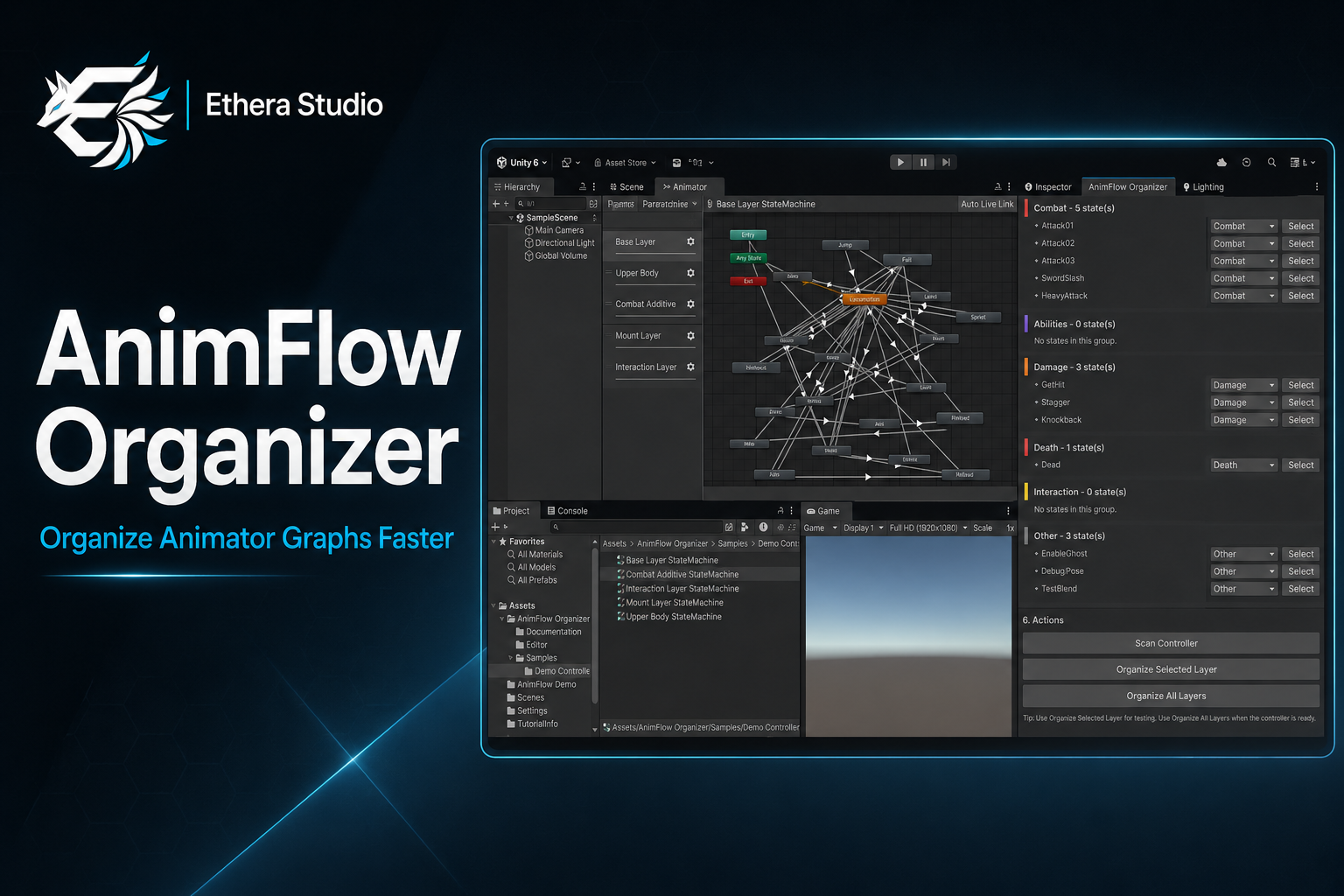
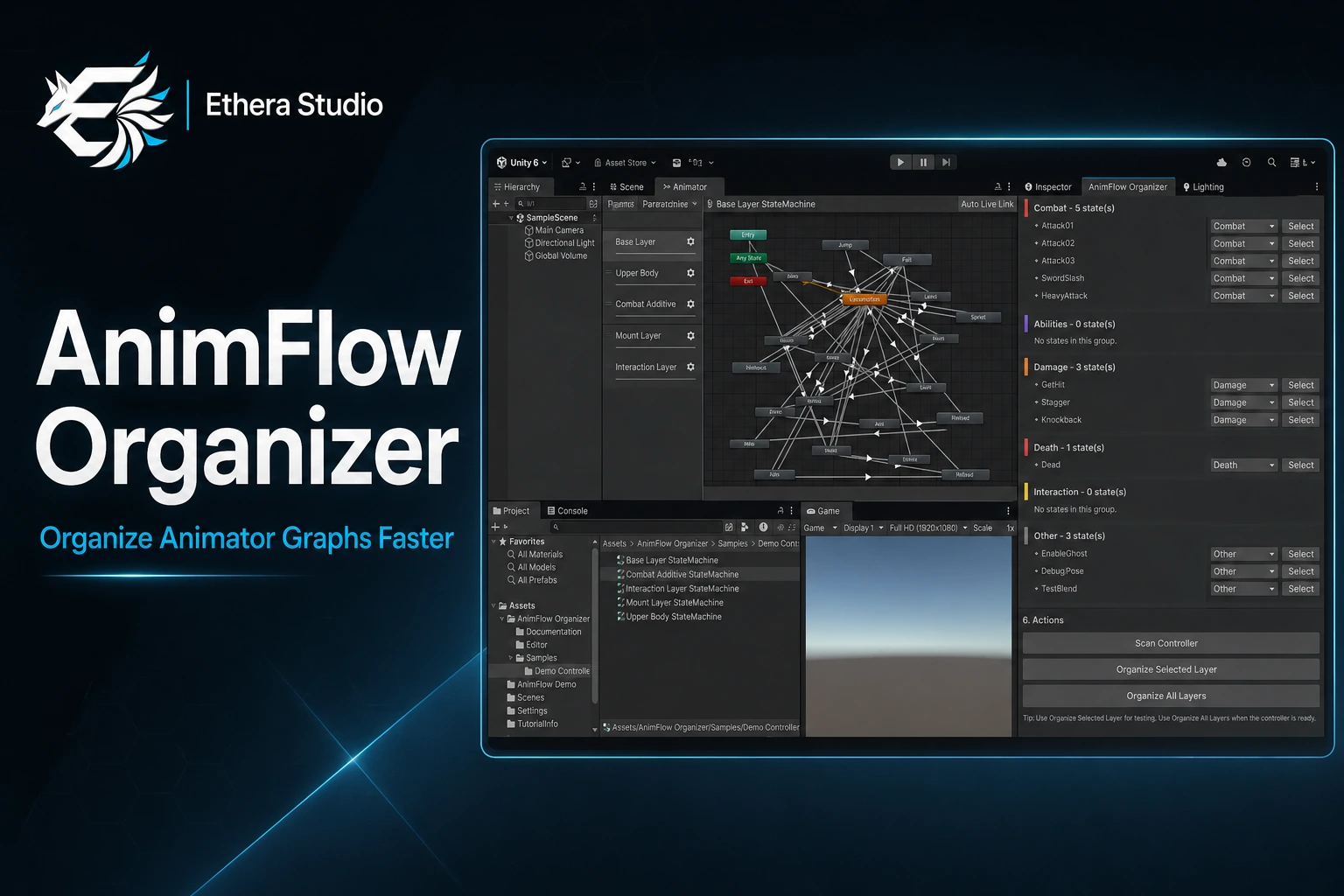
Complex animation graphs don’t have to be hard to read. AnimFlow Organizer brings structure to your Unity Animator Controllers, one layout at a time.
WHY IT EXISTS
As controllers grow, states and transitions become harder to navigate. AnimFlow arranges visual state positions so you can get back to building.
BUILT FOR YOUR WORKFLOW
SmartLayout, FlowLayout, LaneLayout and GridLayout let you choose the structure that fits your controller.
Classify states using names, transition parameters, built-in keywords and your own project-specific keywords.
Review the detected groups, apply manual overrides, and organize a selected layer or all layers. Use Unity Undo when needed.
Only visual node positions change. State names, transitions, conditions, parameters, clips and runtime behaviour stay intact.
A CLEARER CONTROLLER IN THREE STEPS
Select your controller and scan its states.
Check groups and choose a layout mode.
Apply the layout to one layer or all layers.
DOCUMENTATION & SUPPORT
Setup, layout modes, custom keywords and known Unity editor limitations are covered in the documentation.
For support, include your Unity version, controller structure, screenshots and steps to reproduce the issue.